

Tips To Improve Security Of Android Smartphones (2024)

Android Smartphone Security Highlights
- Even though malware attacks on Android devices have been on the rise, Android is fundamentally a more secure operating system.
- It is hard to compromise an Android device. Users can employ various measures to harden the security features.
- In addition to ‘Google play protect’, there are reliable security vendors providing security for Android devices, which can further enhance the security posture.
Android: An OS build for Security
The recent saga of WhatsApp Pink and other malware targeting Android devices has sparked public debate on the reliability of this popular operating system. Despite all reports and fabrications doing the rounds concerning new security threats and more devices getting compromised, Android is essentially a more secure operating system.

Yes, you heard that right. Security was one of the essential features on the minds of the designers while engineering Android. There is no surprise to this, as the mobile operating system was built on top of the Linux kernel. In addition to this, Android apps are designed to run inside a virtualized environment, enhancing the security posture.
Virtualized apps
Every app on an android device operates inside a sandbox, with limited access to kernel modules and permissions as set by the user. This makes it fundamentally secure unlike other operating systems like windows.

So it is very unlikely that malware apps can install themselves through RCEs or by other vulnerabilities. The only way a malware app can get installed is to deceive a user through social engineering to do so by granting proper permissions.
Permissions
Every app installed in an Android device has several permissions set by the user at the time of installation. Even legitimate apps need proper permissions to function. So the first step in ensuring the security of your device would be to review permissions granted for each app in the app list.

A calendar app or a game doesn’t need permission to access your camera. This is the best way to discover suspicious apps. If you spot any unknown apps with unusual permissions, most likely, its a malware. You can restrict permissions for each app and uninstall unnecessary ones if required.
For changing permissions of apps installed on your device:
- On your Android device, open the Settings app.
- Tap on Apps & Notifications.
- Tap the app you want to update.
- Tap Permissions.
- Choose which permissions you want the app to have, like a calculator or calendar.
App lock
Another way to ensure security is an app lock. Some Android devices have this feature inbuilt.If your phone manufacturer does not provide this feature by default, there are lots of free alternatives available. By default, an Android device restricts app installation from any other means other than the app store.

So, you can limit access of other users to settings and other private information on your device. To change this, the perpetrators need to access settings and change these default security settings to permit app installation from other sources. Most cases of spyware applications running on Android phones are due to easy hands-on access by the perpetrator on these devices by which they can install these malicious apps. Even your private photos and chats can be secured this way.
Installing an anti-malware app
Anti-malware apps from reliable security vendors like Kaspersky and Bitdefender can further enhance the security of your device. These vendors have advanced threat intelligence networks that can warn and detect malicious modules and apps.

Security vendors can detect this threat beforehand, warning users about it. Also, most of these security apps come with a host of other features. These apps can lock and erase these devices remotely, in case the user loses their phone. The app lock feature is provided by most vendors. Another beneficial feature is web security, which can warn or deter users from malicious websites.
Two-factor authentication
This is a feature that is linked with Google accounts. As we all know, compromising our Google account these days is equivalent to compromising our phones. Our Google account can be used to unlock our phones and even control them remotely. Therefore, to secure our Google accounts used in our android phones, it’s better to have Two-factor authentication enabled. Keeping a second phone for this purpose is much more reliable. This can ensure the security of our devices in case our primary phone gets compromised.
To turn on two-factor authentication:
- Open your Google Account.
- In the navigation panel, choose Security.
- Under “Signing in to Google,” click on 2-Step Verification Get started.
- Follow the steps as given to enable 2 step verification.
Find My Device
This feature is a useful addition for android phones in case we lose our device. Using this feature, users can locate a lost phone, set up a distress alarm, and even wipe data inside their device.
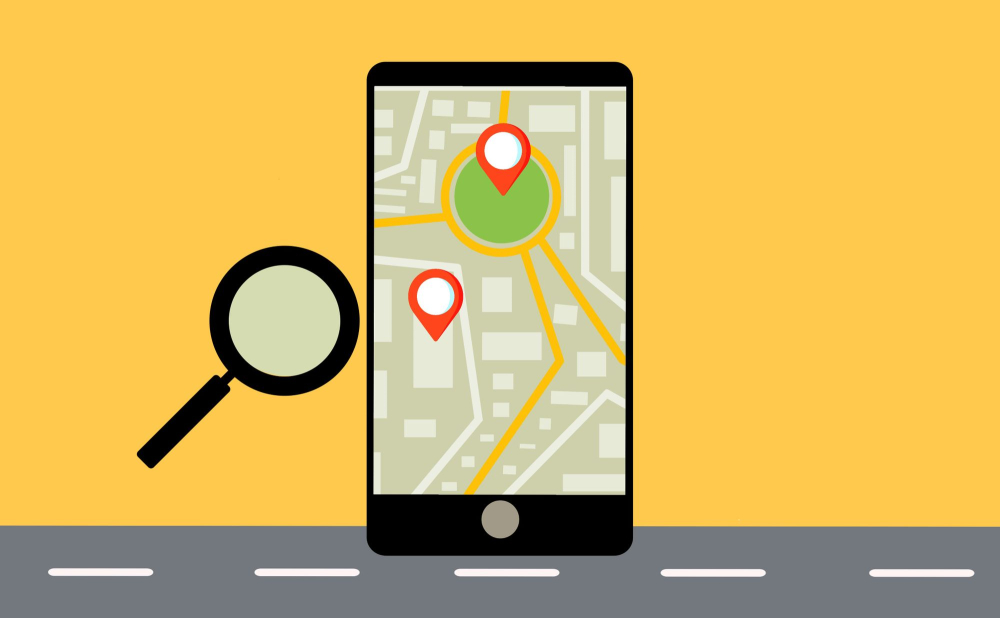
For this feature to function accurately, location service should be enabled on the device by default. Some Android vendors like Samsung have their customized apps for this with added features.
Read More: How Google Tracks you
Guest Mode
Ever been in a situation where you needed to give your phone to your boss or your spouse, but cringed while doing so? Well, Android got you covered on this. There is a feature called guest mode which can be enabled to restrict access to your phone. While this feature has been around since 2014, hardly anyone utilizes it. Personal information and apps that can expose privacy can be restricted as set by the user. There is also a Kids Mode, which can be used to allow certain apps like games for kids without disclosing other apps and data.
Using a VPN
As a security measure, it is always advised not to connect devices to unknown or public networks. But, this is almost challenging for users who commute to work or need that for essential requirements. For users who access the internet via public wifis, using a VPN is a better deal.
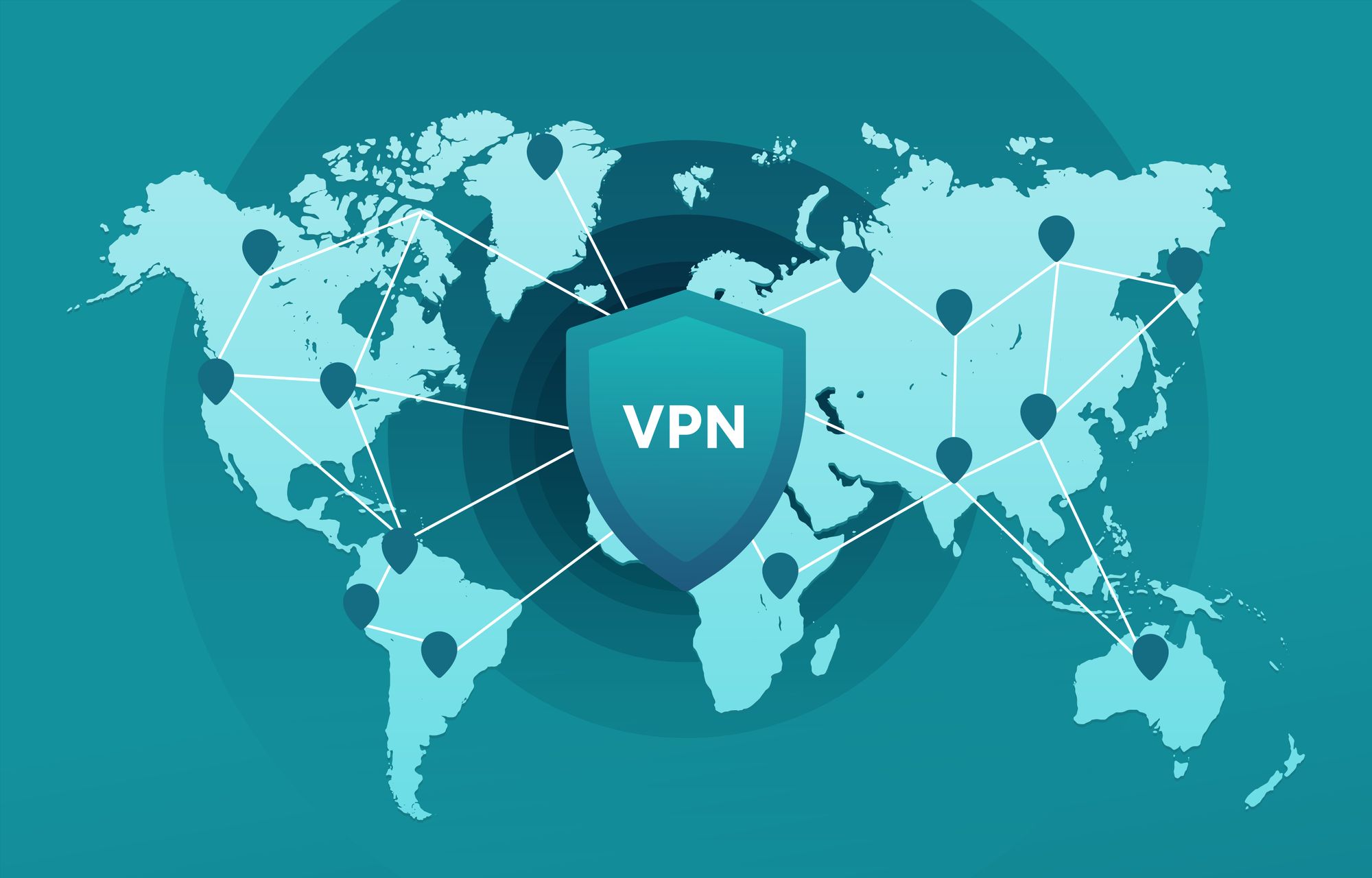
As we all know, hackers can access information in public wifis, which can cause privacy concerns for the users. They can view network traffic on these public networks by using customized wireless cards and tools such as Wireshark. This can be escalated by hackers into phishing attacks. Passwords and even banking details can be jeopardized this way. Hence, if you utilize public wifis frequently, it would be better to purchase a VPN service from a trustworthy vendor. There are even free versions made available by nearly all vendors having essential features, with a data limit.
Encryption

Android devices have the most advanced encryption features, which can be used to encrypt data on internal as well as external storage devices. So, even if you lose a device, there is no risk of exposing private information. This encryption is hard to break, even for security veterans as these cryptographic keys are stored inside containers. This can be extended to SD cards as well. Keep note that if an Android device is ever reset, it would be almost impracticable to retrieve the encrypted files, since the cryptographic keys are lost.
To encrypt internal or external memory:
- Navigate to the security menu under the settings tab
- Click on the option to encrypt your device. Follow the onscreen instructions.
- You will be prompted to provide a pin or other authentication method.
- The encryption process can take time depending on your storage size. Make sure that your phone has adequate charge and if required, keep your phone plugged in for charging.
Android’s app-scanning system
The Google play protect, a feature enabled by default in Android phones can monitor your device and scan apps for shady behavior. While the system should be enabled by default on any reasonably current device, It would be wise to occasionally verify your device settings.

 Mobile Application Penetration Testing for Qatar Government Digital Services: NCSA- Aligned Security Assurance
Key Takeaways: Mobile Application Penetration Testing Qatar must cover the app, device storage, APIs, authentication and third-party components. Qatar’s NCSA assurance environment combines the National Information Assurance (NIA) Standard, the National Information Security Compliance Framework (NISCF) and accredited security assessment services. OWASP MASVS defines mobile security controls, while MASTG supplies practical test methods for Android […]
 Qatar Data Protection Law: Implementing PDPPL Data Subject Rights Processes for Businesses
Key Takeaways: The Qatar Data Protection Law (Law No. 13 of 2016) for Personal Data Privacy Protection, grants individuals specific rights such as right to access, correct, erase, object, withdraw consent, and right to be notified of processing or inaccurate disclosure. Beyond having a privacy policy, businesses or controllers, under Article 11 of Personal Data […]
 AI Governance for Indian Enterprises: Building Internal Controls Before Key DPDP Obligations Take Effect
Key Takeaways: The DPDP Act does not contain AI-specific provisions. Its requirements, however, apply in situations when an AI system processes digital personal data within its territorial and material scope. India is working on building a broader governance framework around safety, accountability, transparency and trust via programs like the IndiaAI Mission. Indian organizations should inventory […]
 Cloud Security Audit for UAE Government Cloud Migration: NCAP and Security Requirements
Key Takeaways: A cloud security audit UAE helps government entities identify security, governance, configuration, access, data-protection and resilience gaps, before and after shifting critical workloads to the cloud. UAE National Cloud Security Policy has defined cloud governance, data security, data sovereignty, IAM, incident management, resilience, portability and cloud operations requirements. The National Cyber Accreditation Program […]
 Data Privacy Consulting UAE – Building a PDPL-Compliant Data Governance Program
Key Takeaways: PDPL compliance requires ongoing operational governance that goes beyond policies to demonstrate how personal data is collected, used, protected, transferred, retained, and deleted. Data mapping helps businesses move from reactive compliance to proactive risk management by establishing a comprehensive inventory of the data ecosystem, helping build a mature data privacy and governance program. […]
 Saudi Arabia’s Critical Systems Controls: What CSP-Linked Enterprises Must Comply With in 2026
Key Takeaways: The Critical Systems Cybersecurity Controls (CSCC) are more applicable to critical systems than to all IT assets owned or operated by an organization. To be in full compliance or to remain in full compliance with CSCC, organizations must maintain continuous adherence to NCA ECC. CSCC has 32 core controls and 73 sub-controls across […]